Revisions
Revise without losing the original
A sent quote locks into a snapshot, so the price a designer saw never changes underneath them. Rework it and a revision starts a new version while the original stays on file.
“The details are not the details.
They make the design.”
The problem
By the third quote of the morning, the spreadsheet has lost its mind. Cells reference cells that reference yardage from a job you finished last week.
A transposed digit becomes an under-quote you only notice after the fabric is cut and the money is gone.
The designer's yes lives in an email thread, and the deposit lives in the checkbook, so nobody can say for sure which version they approved.
The whiteboard on the shop wall is the only place anyone knows where a job stands, until someone wipes it.
How it works
Most workrooms run a job out of a spreadsheet, an email thread, a checkbook, and a whiteboard. Pleat keeps it in one place, and each step picks up where the last one left off.
01Quote
Enter the window and pick the treatment. Pleat works out widths, cuts, yardage, and labor from your own rates, and shows the formula behind every number.
02Approve
Send a link instead of a PDF. The designer approves each line, pins a note on anything that needs to change, and signs to accept.
03Order
Acceptance issues the order number and the deposit request on your terms. Record payments as they come in and always know the balance.
04Produce
The order goes on the production schedule with a printed work order. Follow each piece through your departments until it's ready to install.
Built for the craft
The math you do by hand, the approvals you chase by email, and the board on the shop wall, priced and tracked the way your workroom already works.
Quote
Each treatment is drawn to scale as you enter it, in the fabric you picked. The cost rail breaks out fabric, labor, lining, and hardware with the formula behind every figure, so an under-quote has nowhere to hide.
Approve
Send a link instead of an attachment. The designer reads the quote the way you'd print it, approves each line, pins a note right where something needs to change, and signs to accept. What they signed is frozen, so there's never a question about which version they said yes to.
Order
Accepting a quote issues the order number and the deposit request on your terms. Record checks and card payments as they land and prepare the balance request in one click. Pleat never touches the money, it just never loses track of it.
Produce
Accepted orders go on the production schedule as jobs. Follow each treatment through its department from cut to complete, see the labor hours every department has ahead of it, and keep install dates and fabric receiving on the same board.
Shop floor
Every job prints a work order with the cut lengths, widths, fabric, and a dimensioned drawing of each piece, so the person at the cutting table never has to guess what the quote meant.
A sent quote locks into a snapshot, so the price a designer saw never changes underneath them. Rework it and a revision starts a new version while the original stays on file.
Price Alternate B and C for the same window, each showing what it adds or saves. Mark the one they chose and the total follows.
Price trim and tiebacks right on the treatment and pull from a hardware catalog you can import from a spreadsheet. It all rolls into the total.
Labor by the width, the linear foot, the square foot, or the piece, and a price level for each design firm. Money is calculated to the cent with decimal math.
Firms with a resale certificate stay exempt, the rest carry their rate, and you decide whether labor and installation are taxable. Changing it on one quote asks for a reason.
Type “flat roman 50 by 80 for the Calloway job” in the command bar and Pleat drafts the quote, asking for anything it still needs.
Treatment coverage
Pleat is not a line-item tool with fabric bolted on. It models how each treatment is built and draws it to scale, so the styles you already quote by hand are the styles you pick from.
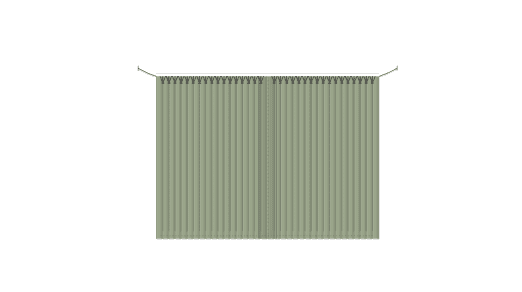
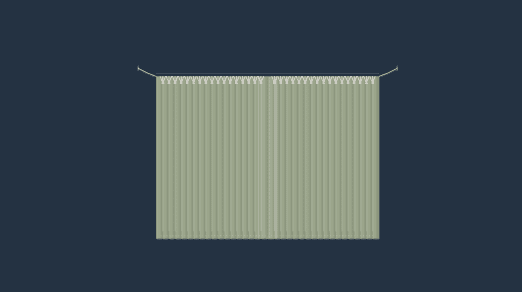
Pinch, Euro, goblet, cartridge, pencil, and inverted box pleat, plus rod pocket, tab top, grommet, and ripple fold, with draw direction, returns, overlap, and pin set built into the cut.
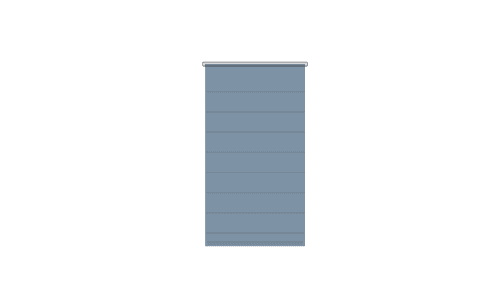
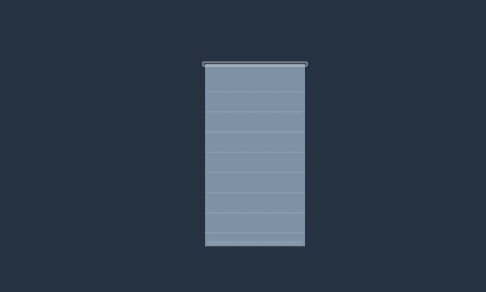
Flat, soft, and front or back batten Roman shades, plus the gathered family: Austrian, balloon, and shirred balloon, each with its own fold and lift geometry.
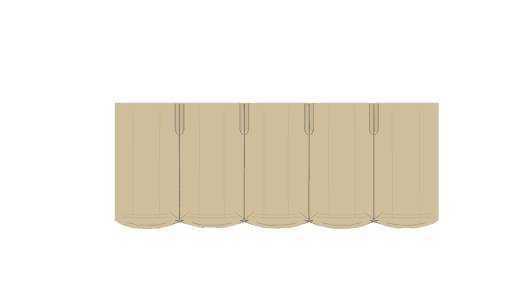
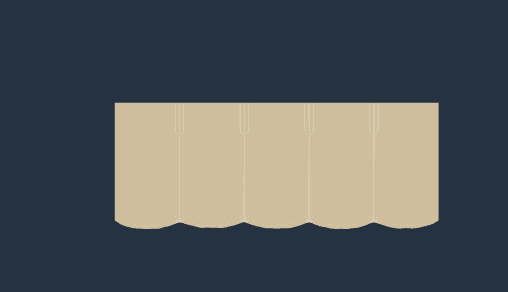
Gathered, box pleat, tailored, knife pleat, and Roman, every drapery heading at valance scale, and shaped balloon, Austrian, scalloped, and the Kingston and Empire swag valances.
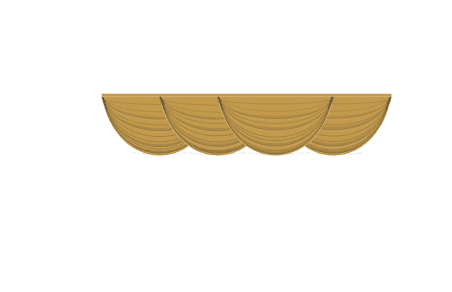

Swags and jabots on a board or a pole, with each swag's drop and each jabot's length and fabric set on its own.


Straight, scalloped, arched, ogee, cloud, bell, and serpentine, or draft your own profile. Priced by the linear foot, with the trim run along the contour measured for you.
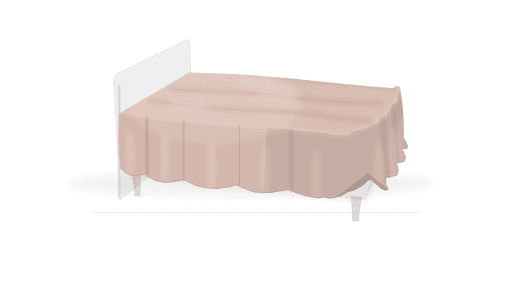
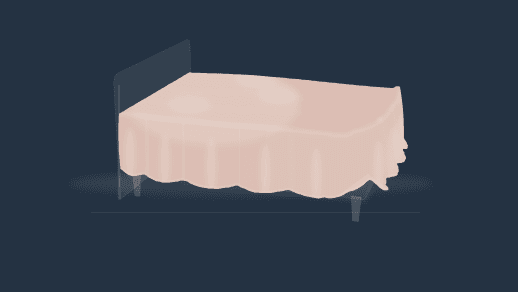
Duvet covers, coverlets, bedspreads, comforters, foot throws, and shams, gathered, box-pleat, and tailored dust ruffles, and round or rectangular table skirts, each priced per piece.
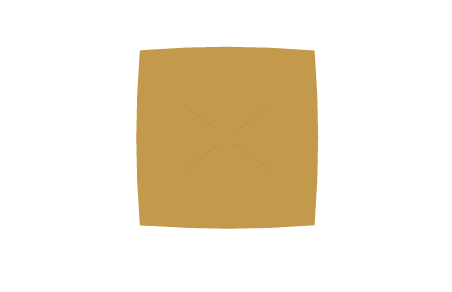
Knife-edge, flanged, and box pillows, box cushions, and bolsters with flat, gathered, or tootsie-roll ends.
For the piece that isn't on any list, sewn or bought in: name it, add your own cost rows, and it prices and prints like everything else.
FAQ
Pleat is in early access for custom window treatment workrooms. Join the waitlist and we'll be in touch with your invitation.
Prefer to talk it through first? Talk to us.

